If you’ve ever stared at the Spark Web UI at 2 a.m. debugging a failing job, you know the feeling: a wall of bright white light hitting your eyes while you scroll through stages, executors, and SQL plans. That era is over.
Apache Spark’s Web UI now supports dark mode, landing in the master branch as part of SPARK-55766. Toggle it with a single click. It remembers your preference. It respects your OS settings. And it covers every page — Jobs, Stages, SQL, Executors, Environment, and beyond.
Why Dark Mode?
Dark mode isn’t a cosmetic trend — it’s a developer productivity feature. Here’s why it matters for Spark:
1. Reduce Eye Strain During Long Debug Sessions
Spark jobs can run for hours. When something goes wrong, engineers spend extended periods navigating the Web UI — examining DAG visualizations, reading executor logs, and tracing SQL query plans. A dark interface reduces the contrast between the screen and a dimly lit room, which is exactly where most late-night debugging happens.
2. Respect Developer Preferences
Modern developer tools have universally adopted dark mode — VS Code, GitHub, IntelliJ IDEA, terminal emulators, even operating systems. When a developer has their entire environment in dark mode and then opens the Spark UI in a browser, the bright white page is jarring. The Spark UI should feel like a natural part of the developer’s workflow, not an exception to it.
3. It’s What the Community Has Been Asking For
Dark mode has been one of the most requested UI features in the Spark community. As the Web UI moves toward Bootstrap 5 modernization (SPARK-55760), the infrastructure finally exists to support it properly — without hacks, without custom CSS themes, and without maintenance burden.
What It Looks Like
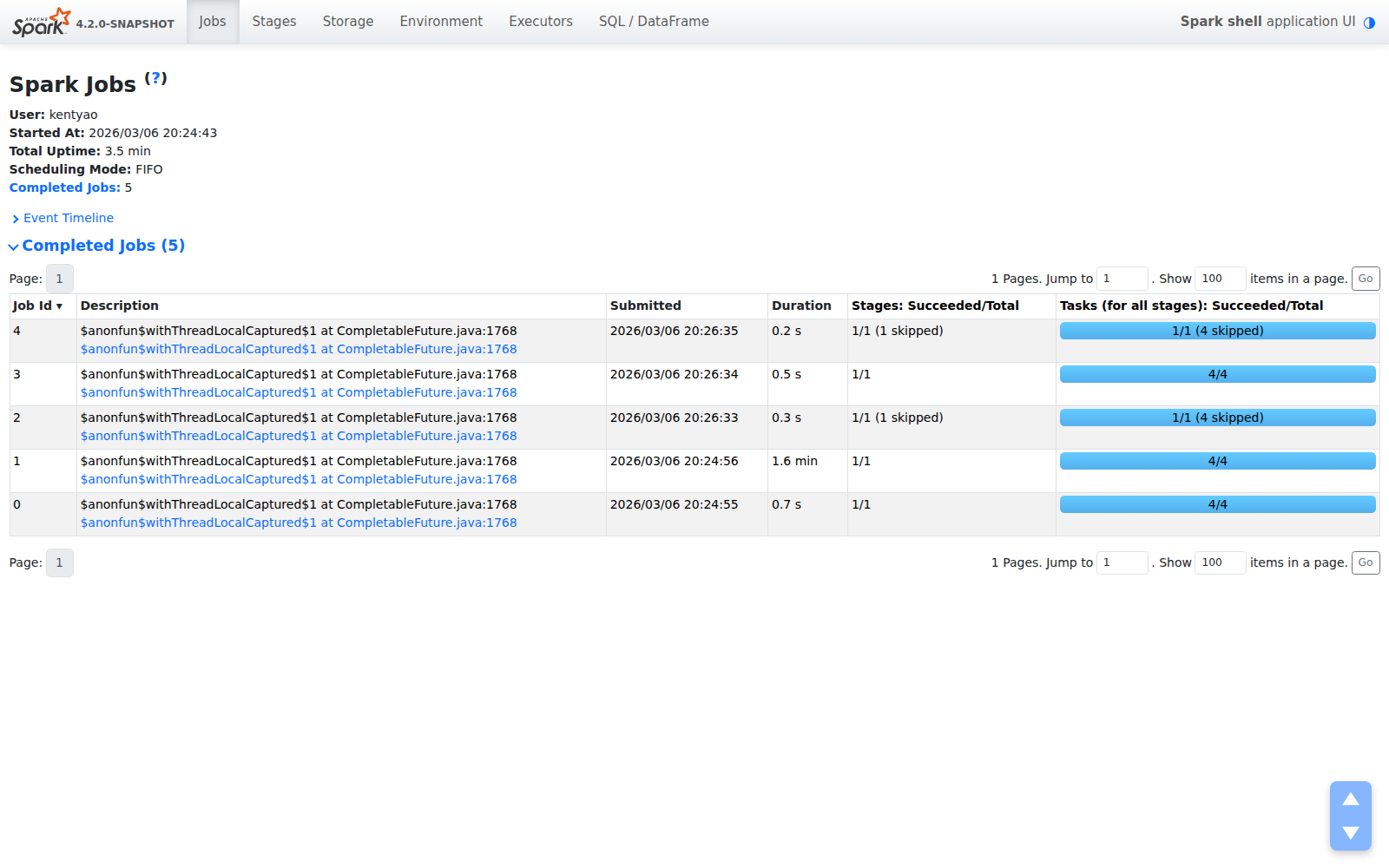
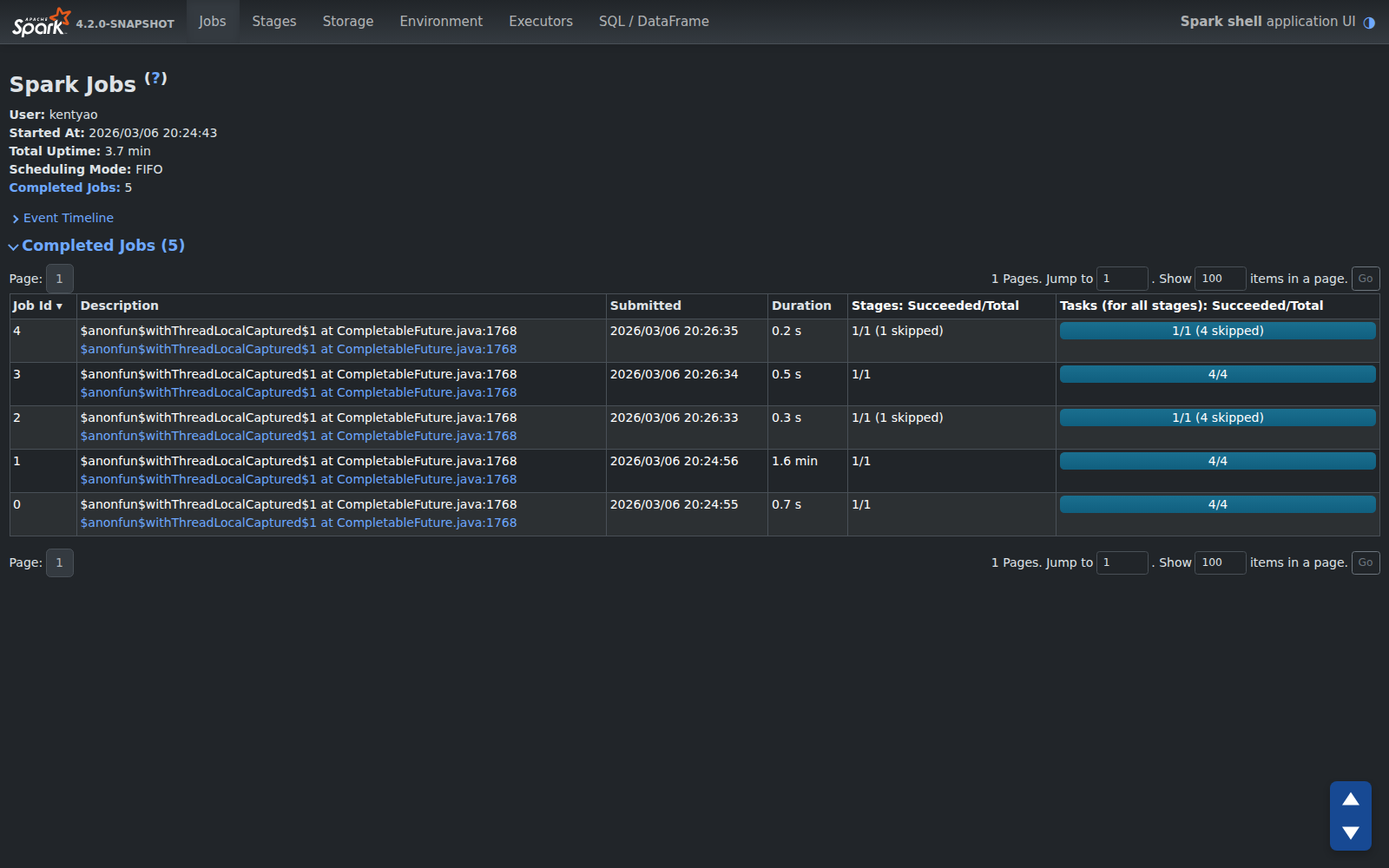
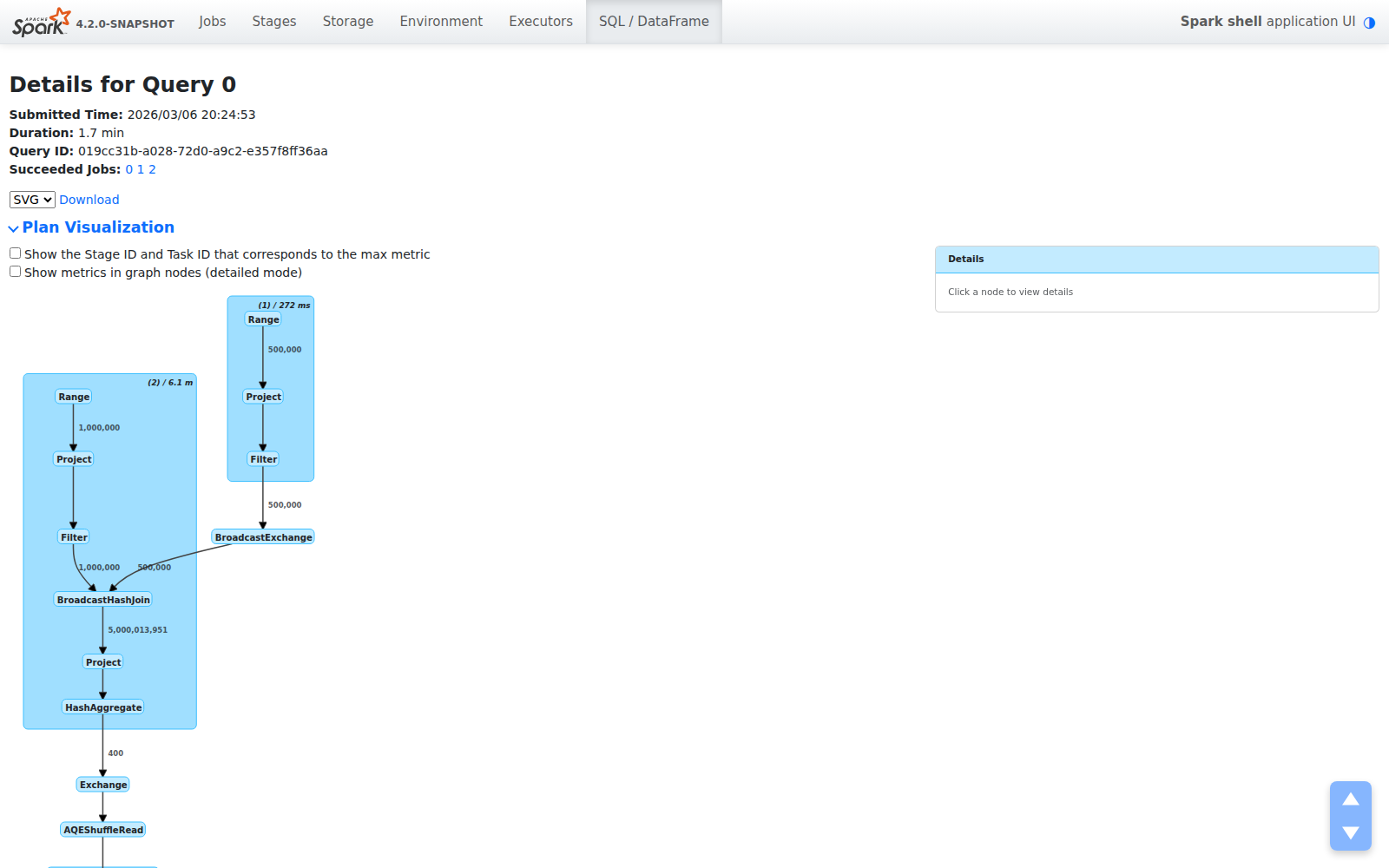
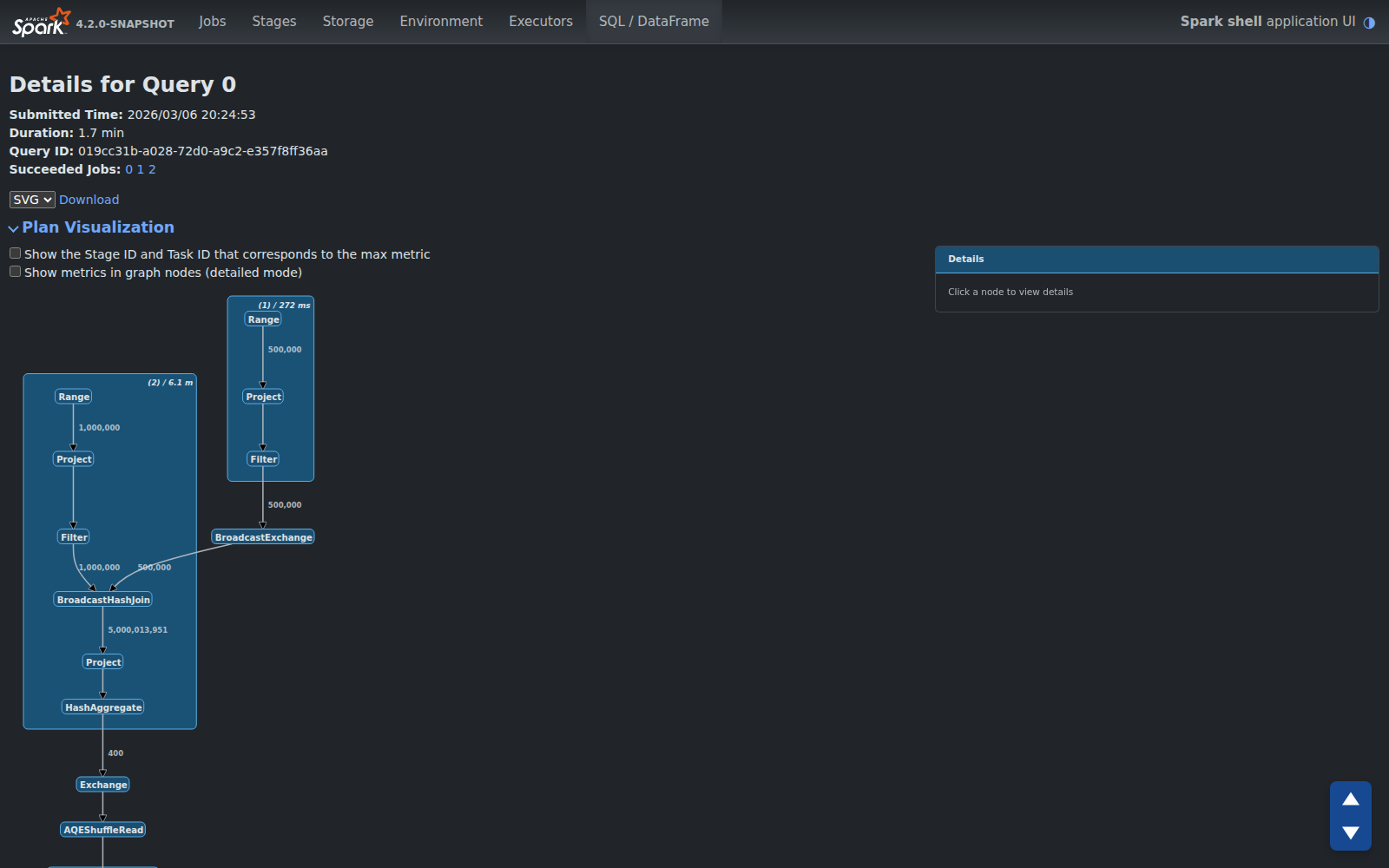
Here’s the Spark Web UI in both modes, side by side:
Jobs Page
| Light | Dark |
|---|---|
 |  |
SQL Query Plan Visualization
| Light | Dark |
|---|---|
 |  |
Executors Page
| Light | Dark |
|---|---|
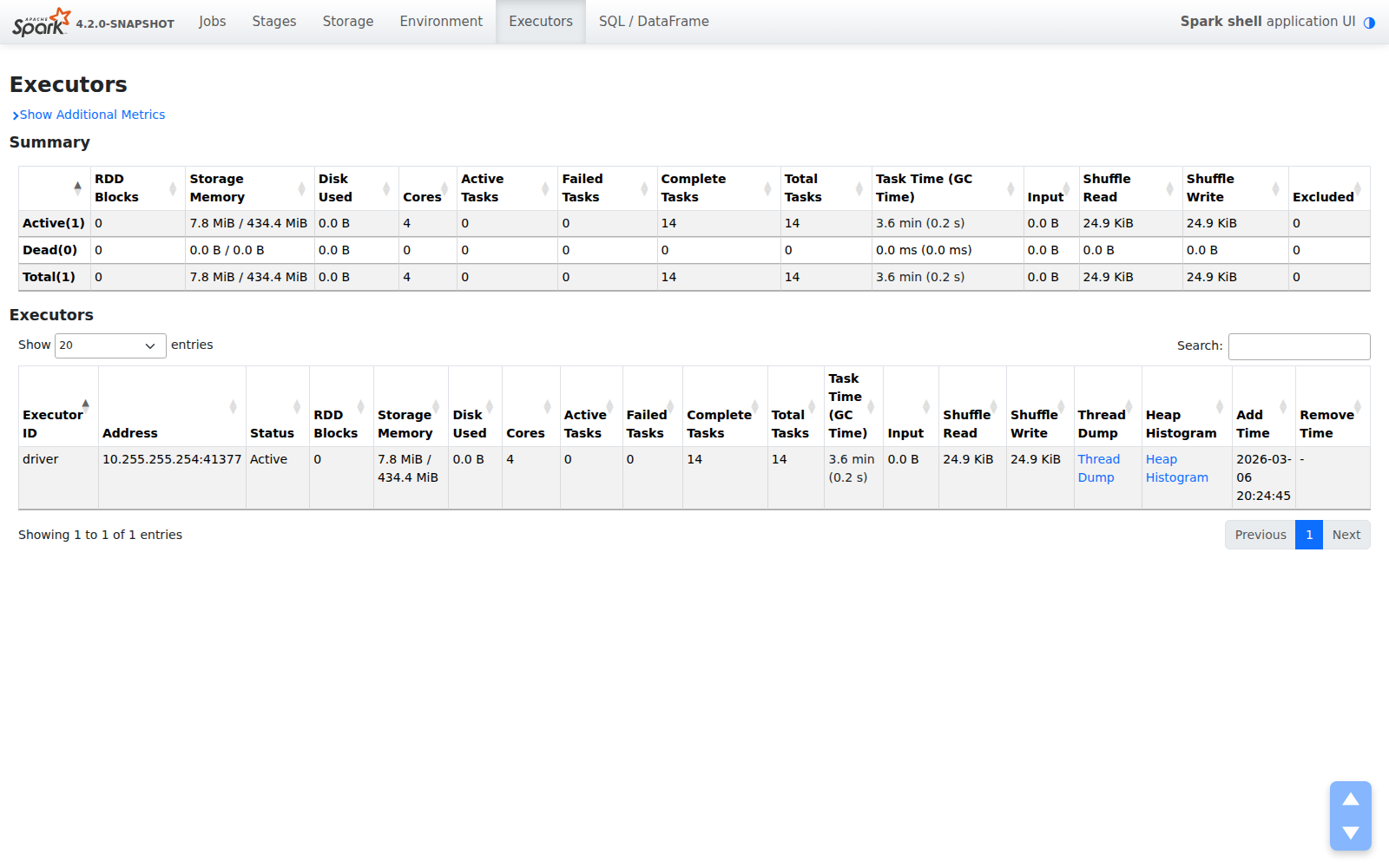 | 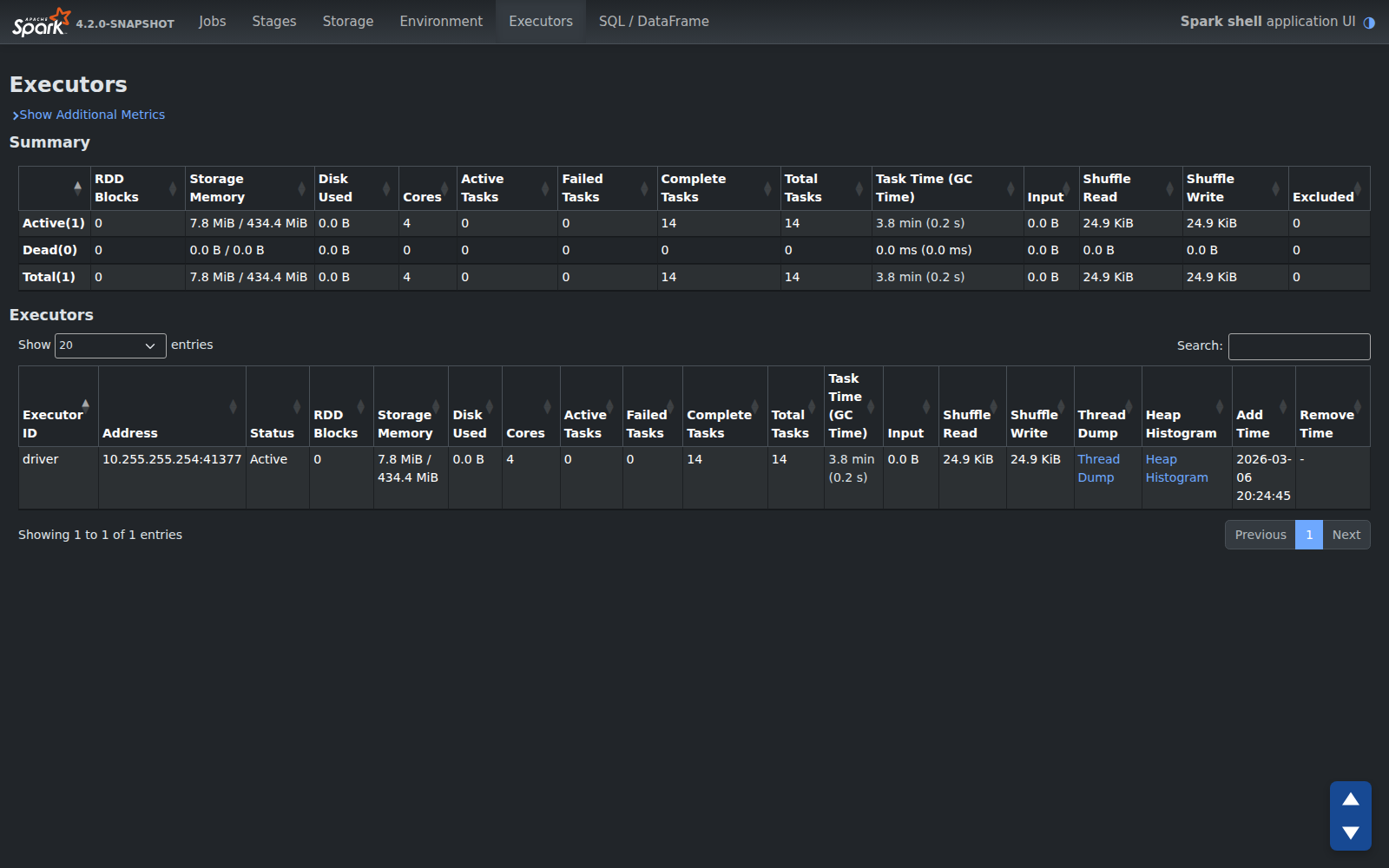 |
Environment Page
| Light | Dark |
|---|---|
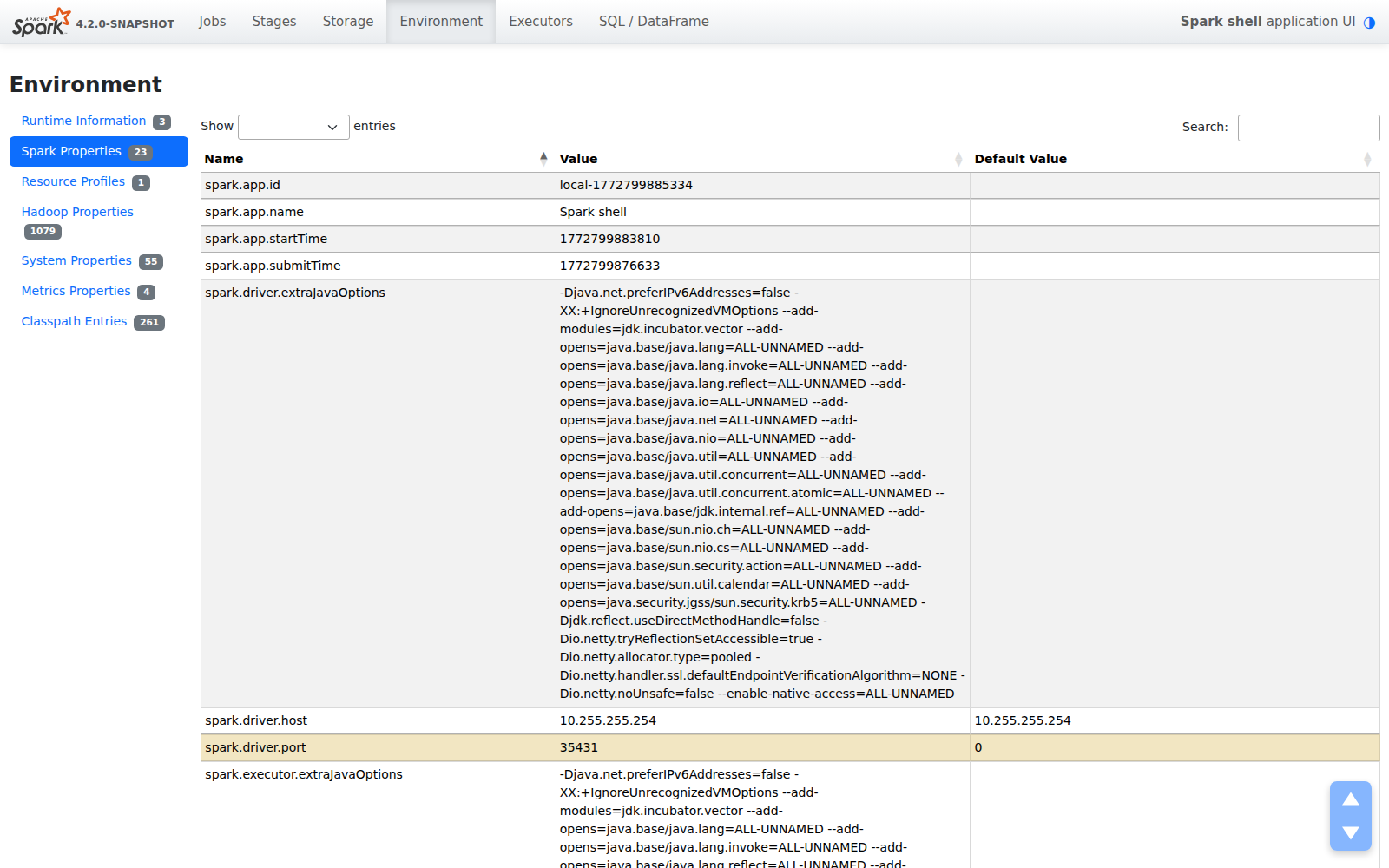 | 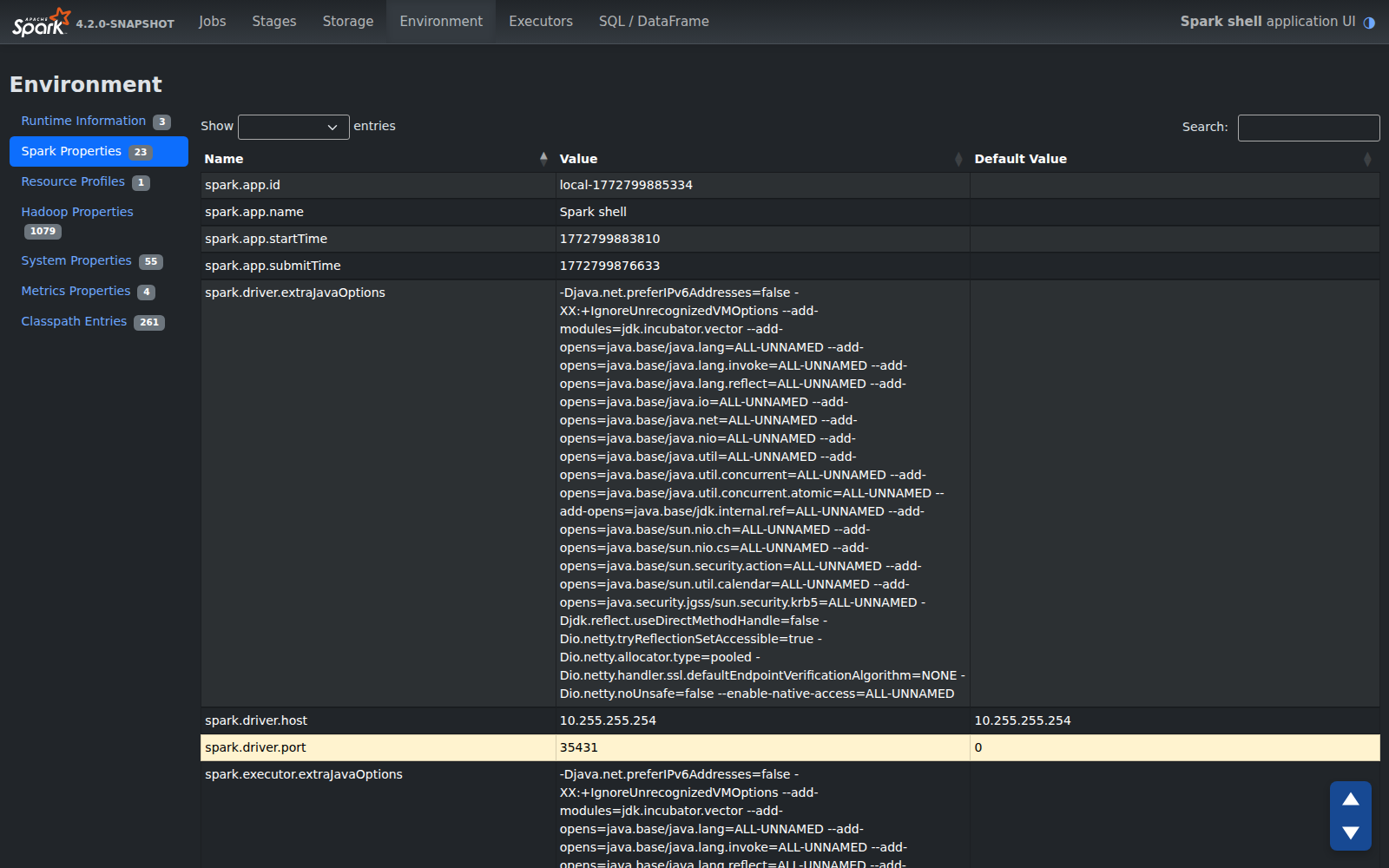 |
How It Works — The Philosophy
We deliberately chose the simplest, most maintainable approach:
Leverages Bootstrap 5 color modes. No custom CSS color system. No separate stylesheet. Bootstrap’s
data-bs-themeattribute handles 95% of the work — buttons, cards, tables, navbars, and text all adapt automatically.Respects system preferences. On first visit, the UI checks
prefers-color-scheme— if your OS is in dark mode, Spark follows suit. No configuration needed.Remembers your choice. Click the toggle once, and
localStoragepersists your preference across every page and session.No flash of unstyled content (FOUC). An inline script runs before the page renders, so you never see a white flash when loading in dark mode.
This philosophy mirrors how the best developer tools handle theming:
- GitHub introduced dark mode in December 2020 with a similar approach — respecting system preferences, persisting choice, and using CSS custom properties rather than a parallel stylesheet.
- VS Code has had dark mode since day one, treating it as a first-class feature rather than an afterthought.
- Grafana, another tool engineers stare at for hours, defaults to dark mode entirely.
The lesson from all of these: dark mode isn’t optional for developer-facing tools. It’s expected.
Part of a Bigger Modernization
Dark mode is one piece of a broader effort to modernize the Spark Web UI under SPARK-55760. Other improvements landing alongside it include:
- Compact SQL plan visualization with a clickable detail side panel for metrics
- Offcanvas panels for executor detail views
- Table hover effects for better row readability
- Bootstrap 5 utility classes replacing legacy CSS
- A global footer showing version, uptime, and user across all pages
The goal is straightforward: the Spark Web UI should feel as modern as the engine it represents. Spark processes petabytes of data with cutting-edge distributed computing — its UI should reflect that quality.
Try It Out
Dark mode will be available in the next Apache Spark release. If you’re building from source, it’s already on the master branch.
Toggle it by clicking the ◑ button in the navbar. That’s it.
This feature was contributed as part of SPARK-55766. Feedback and contributions to the Spark Web UI modernization are welcome at SPARK-55760.